
Lessons
Learn a security topic through short explanations and examples.
 CyberNest Digital Safety
Lessons explain account protection, devices, and privacy. Checklists help you apply the guidance. Scam practice lets you try responding to suspicious requests.


Free to use · No ads · No account required
English & Spanish
App features
Learn a security topic through short explanations and examples.
Follow instructions, open official resources, and record completed actions.
Try responding to suspicious messages in realistic scenarios.
The Cyber Health Score records learning and user-confirmed actions. It does not scan or measure device security.
Open official guidance related to the step you are working on.
Work through a lesson or Mission with a parent, partner, or relative.
Explore Foundation, Missions, scam practice, and privacy. Scroll through the screenshots or select one for a closer look.
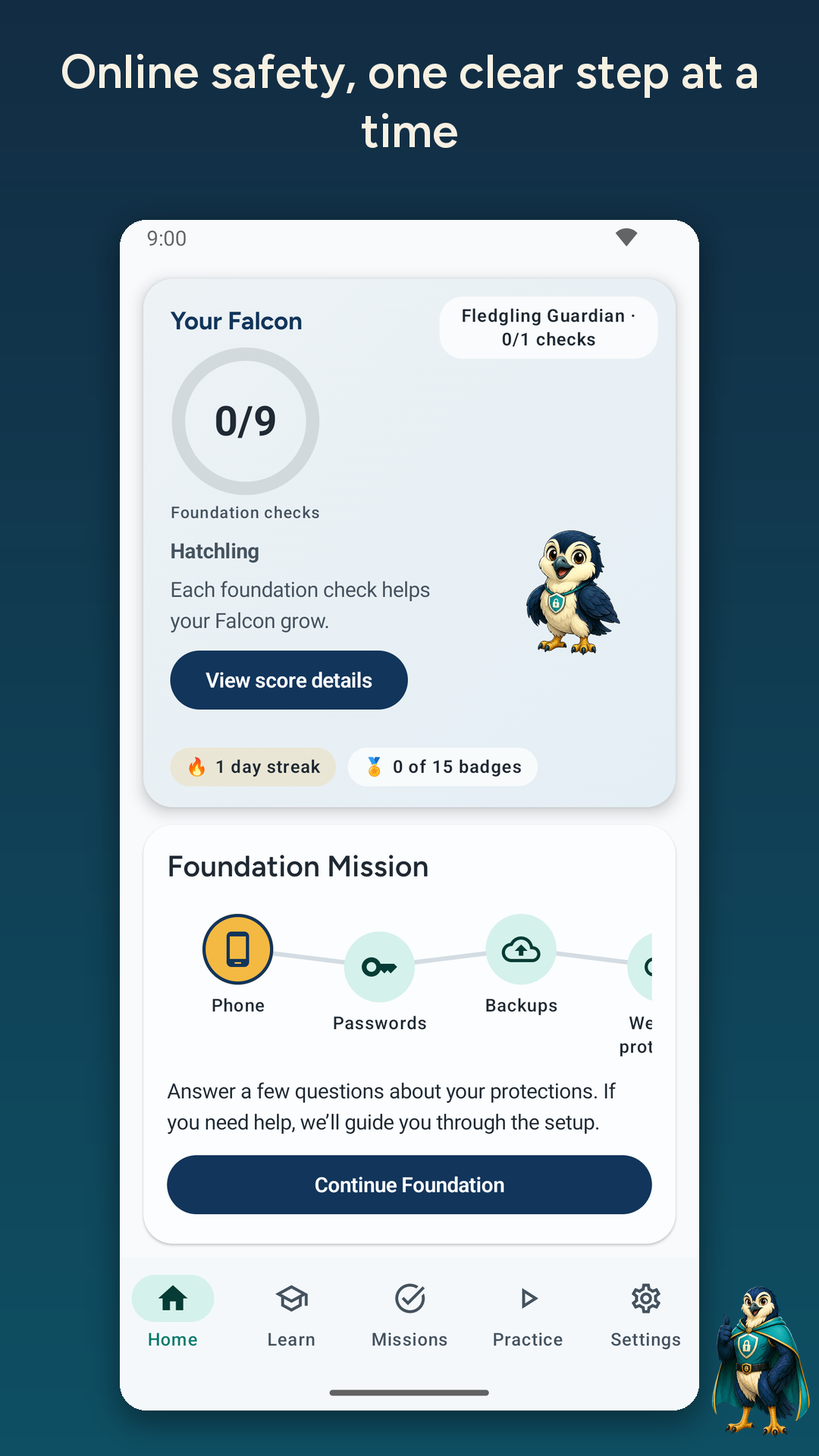
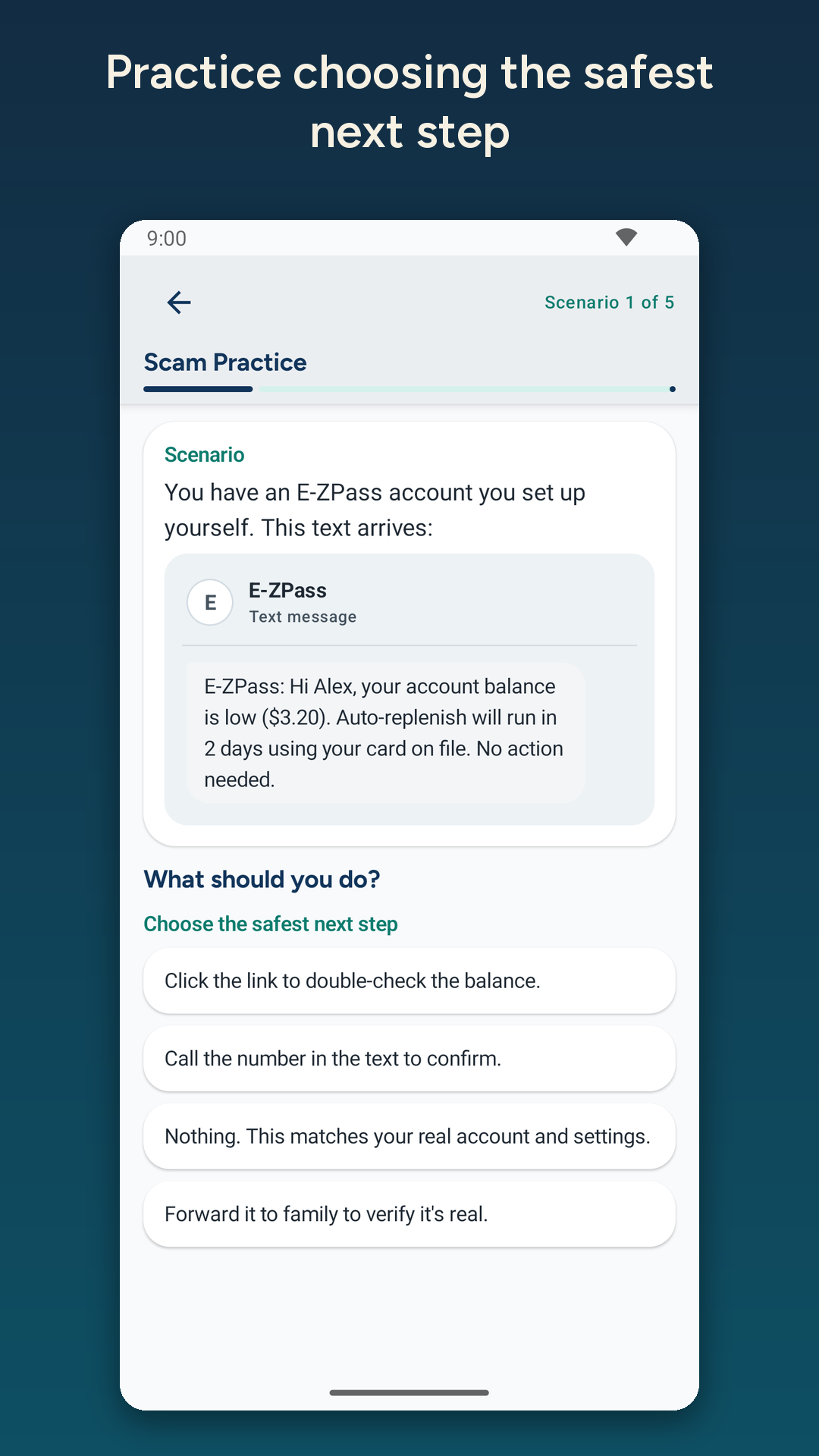
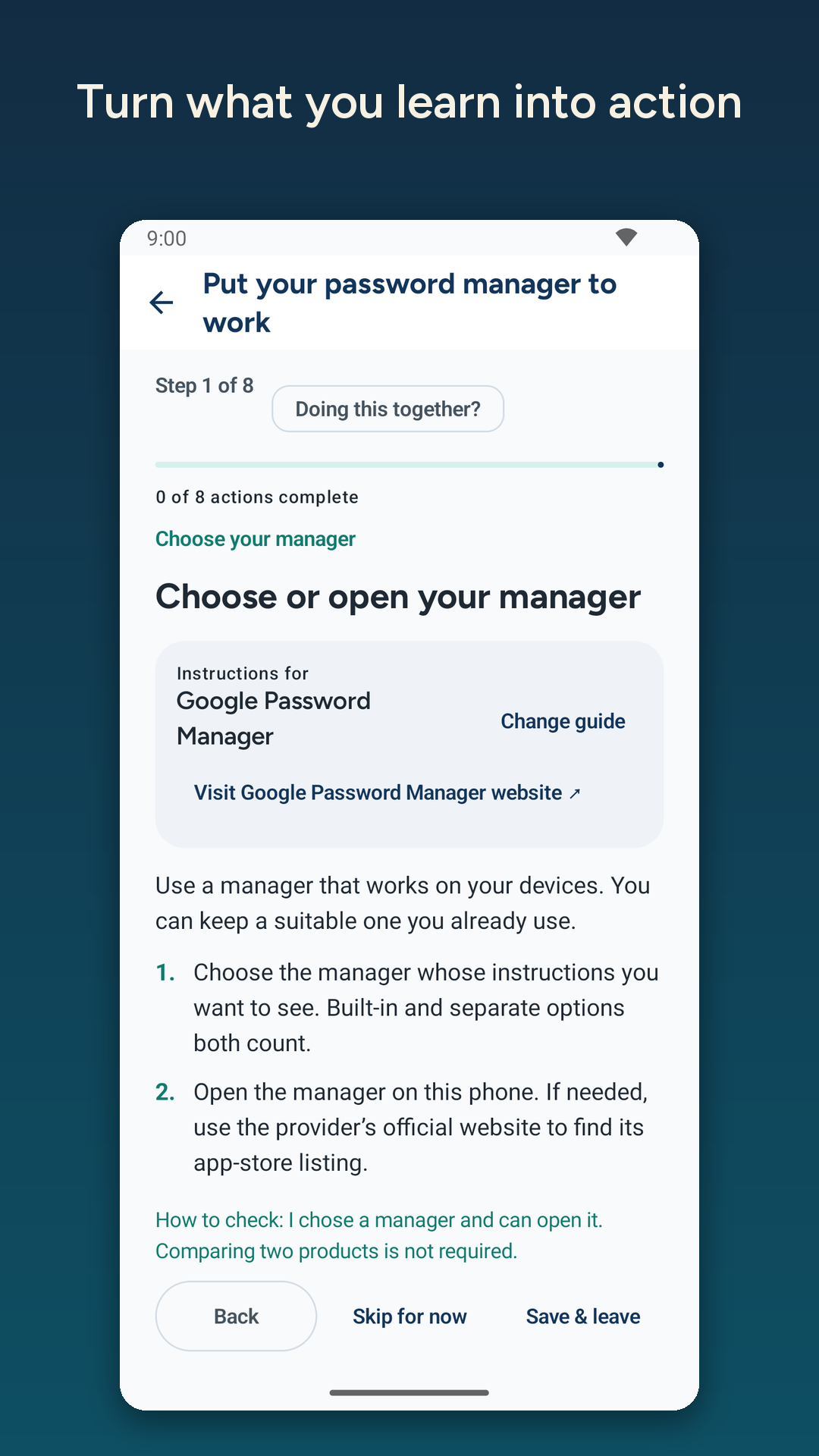
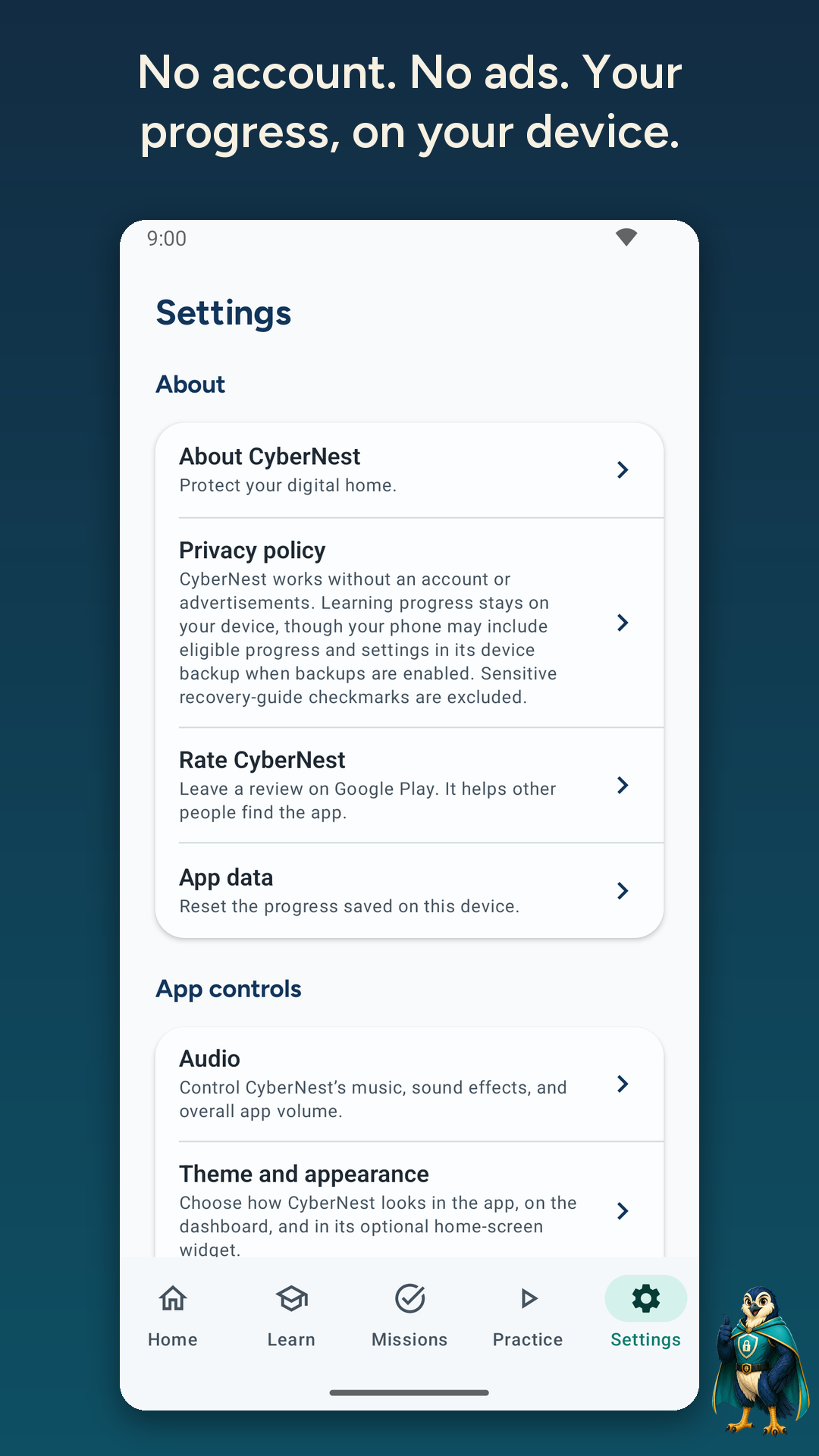
Shown on Android. Screens and feature availability may vary on iPhone. Lesson animations are teaching examples; CyberNest does not monitor your device or automatically block threats.
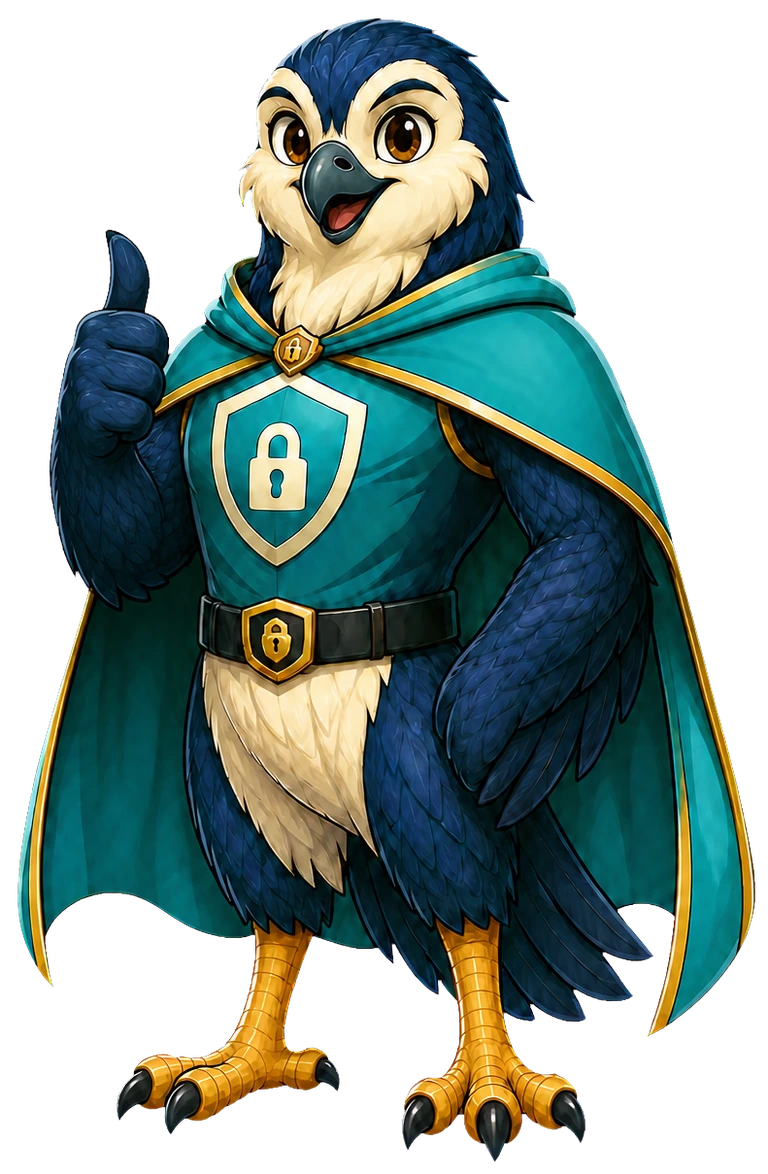
Guardian Falcon
Guardian Falcon accompanies the lessons and practice activities. Recovery guidance points you toward steps and resources if something goes wrong.
CyberNest teaches security concepts. It does not monitor devices or automatically block threats.
Contact AIA
A Personal Digital Security Review can address questions about your own accounts and devices.
Android & iPhone
Choose your app store.
Screens and features may vary by platform and release. CyberNest provides education, not emergency assistance. See the privacy policy for local progress and crash diagnostics.
Google Play and its logo are trademarks of Google LLC. Apple and the Apple logo are trademarks of Apple Inc. App Store is a service mark of Apple Inc.